How It Works
Curious about the notarisation process? Follow our step-by-step guide below to get started with online notarisation.
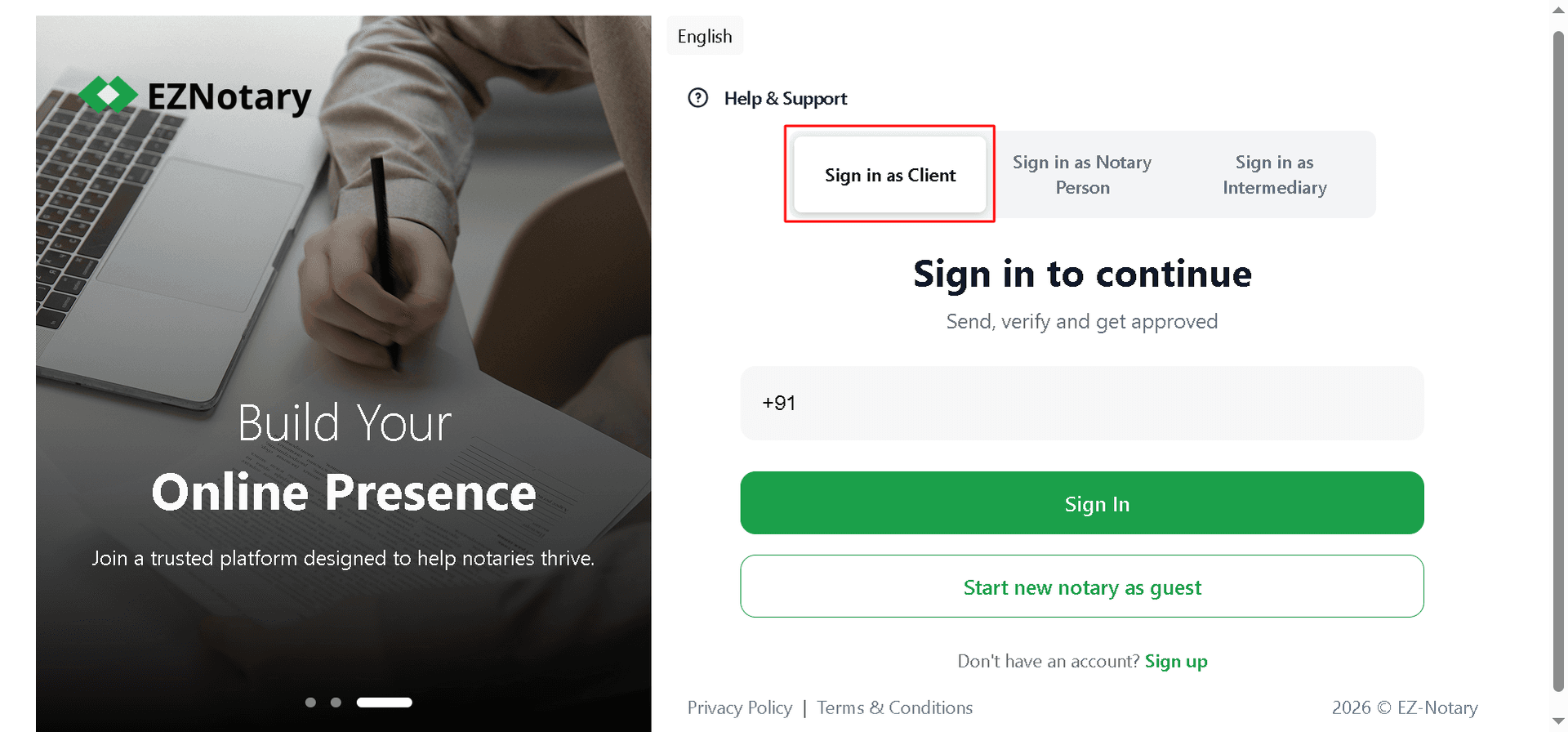
Sign in as a Client to your EZNotary account to continue. You can access the sign-in page by clicking the Get Started button in the top-right corner of the header. If you're new to EZNotary, select Sign Up to create your free account and get started.
After signing up, complete your profile and upload your Aadhaar card for KYC verification. Once your verification is complete, you'll have access to all EZNotary features.
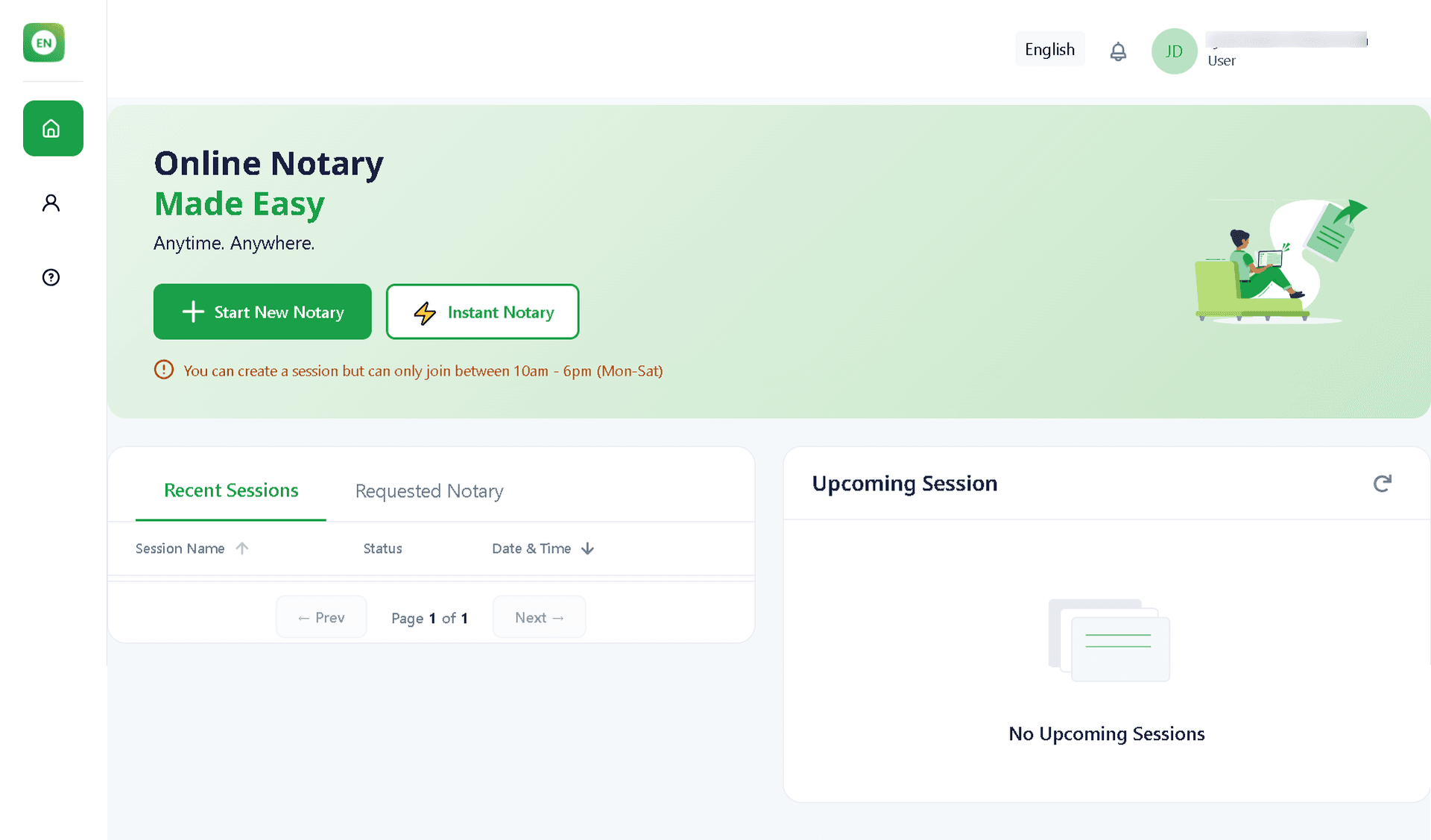
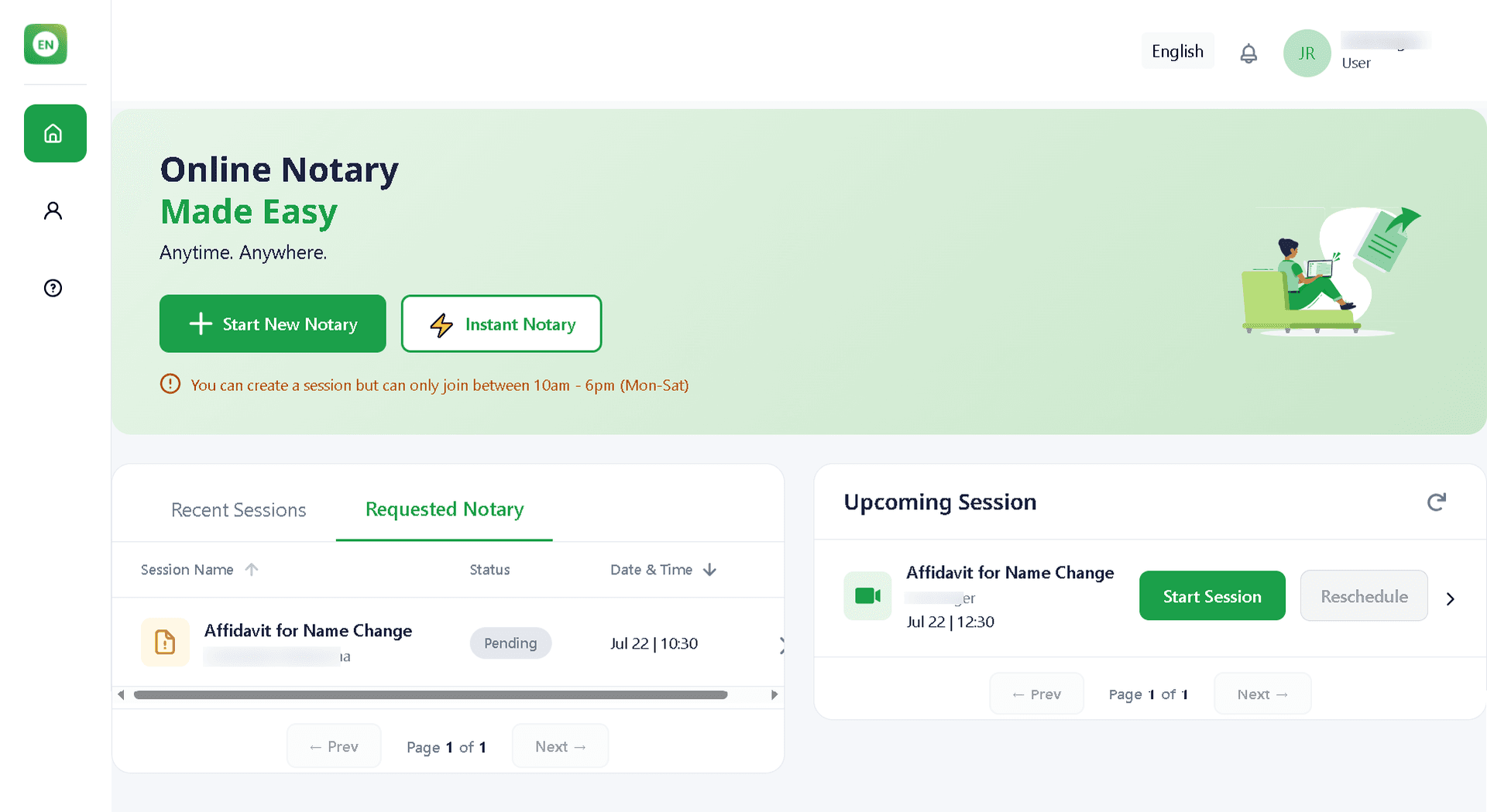
Once you've signed in, you'll be taken to your Dashboard, where you can view your Recent Sessions, Requested Notaries, and Upcoming Sessions at a glance.
From the dashboard, you can choose between Start New Notary or Instant Notary:
- Start New Notary – Schedule a notarisation session for a date and time that works best for you.
- Instant Notary – Connect with an available notary immediately for urgent notarisation needs.
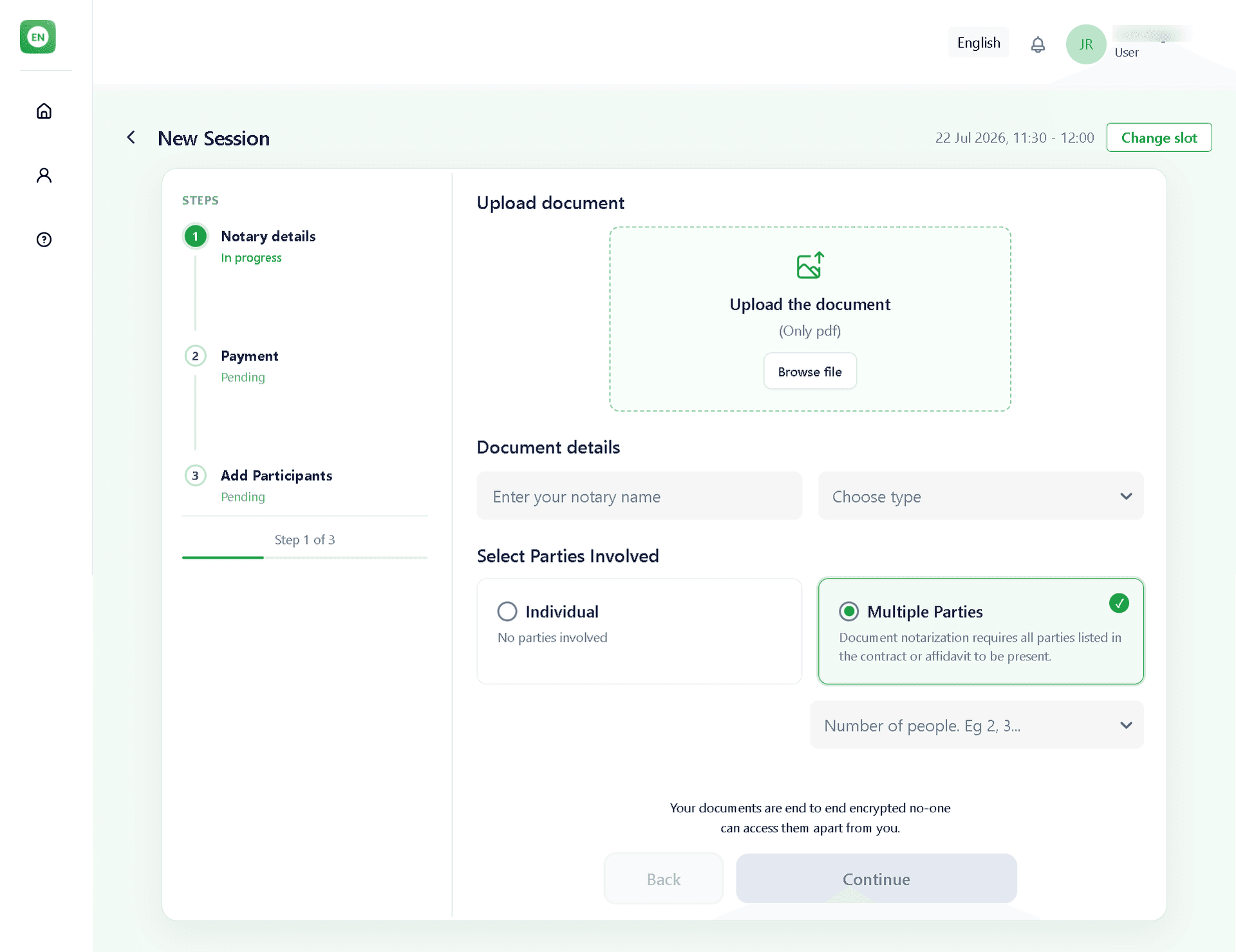
Upload your document and select the appropriate Notary Type. Then, choose the number of Parties Involved — either Individual or Multiple Parties (2 or more) — to continue with the notarisation process.
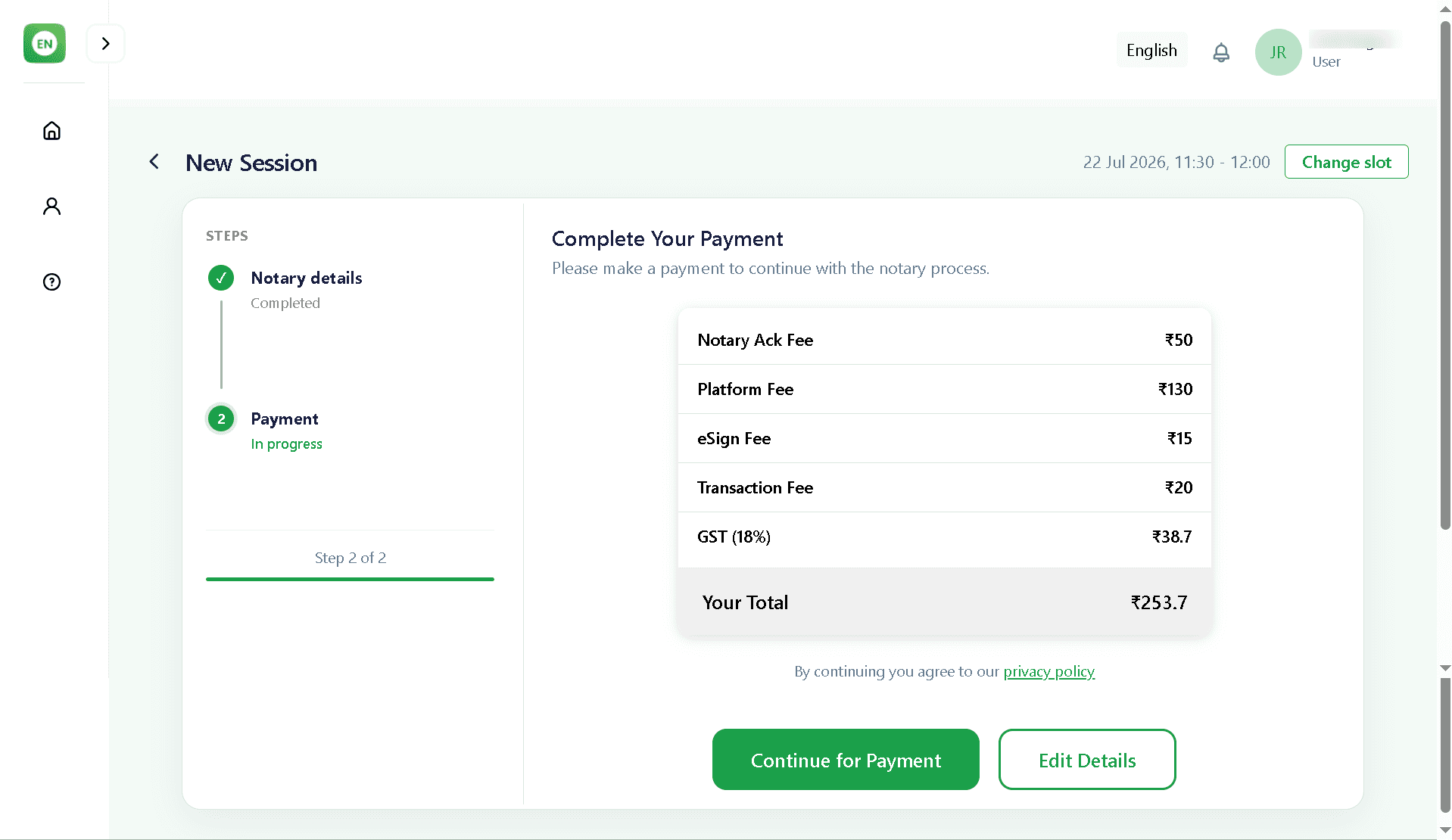
Review the payment summary and confirm the total amount before proceeding. If needed, you can modify your scheduled appointment before completing the payment. Once your payment is successfully processed, your notarisation session will be confirmed.
After scheduling your notarisation session, you can view it in the Upcoming Sessions section of your dashboard.
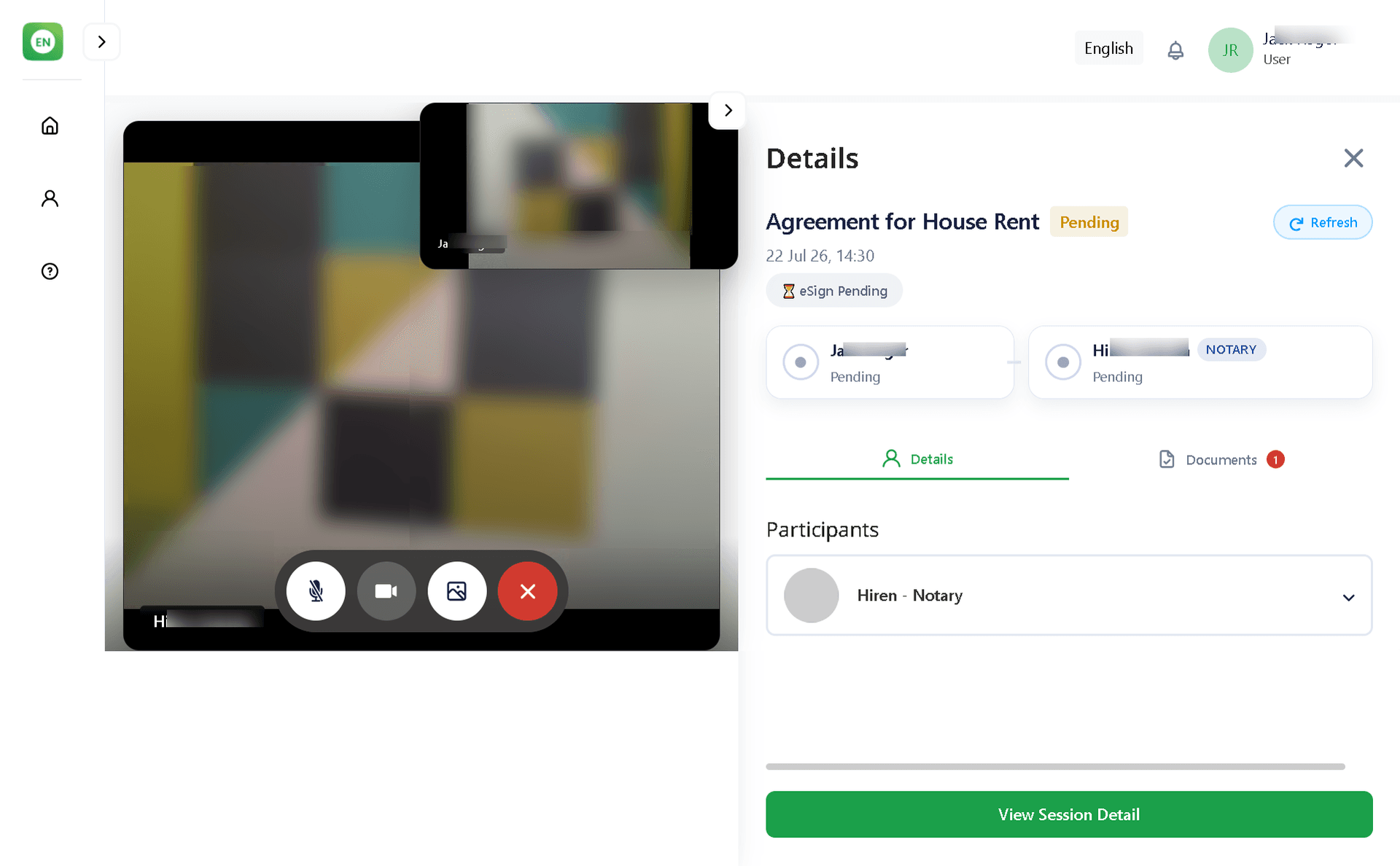
At the scheduled time, click Start Session to join a secure video call with the notary. Allow microphone and camera access, then click ”Join Now” and complete the notarisation process.
Join the video call for document verification by the notary. You will receive an SMS and email with a secure link to the Protean eSign platform to digitally sign the document.
After the eSign is completed, the notary will attest the document, affix the official seal, and complete the notarisation.
Once the process is complete, you can download the notarised document from the email sent to you or access it anytime from the Recent Sessions section on your dashboard.